How to Choose Between an Infant and a Convertible Car Seat
Baby|March 25, 2026Best Sound Machine For Baby: 5 White Noise Machines That Improve Sleep
Baby|March 12, 2026Why Your Baby Won’t Stop Crying and What Each Cry Really Means
Baby|February 21, 2026Top 10 Educational Toys for Kids: Learning Through Play
Kids|January 10, 2026How to Foster Social Skills in Kids
Kids|October 20, 2025Kid-Friendly Smart Home - Safe, Functional and Comfortable
Family lifes|September 27, 2025Best Online Coding Classes for Kids: Fun, Interactive, and Beginner-Friendly
With the growing buzz around digital education, online coding classes for kids have become a common topic of conversation. A quick search reveals that coding schools for kids aren't just about learning to write code or use digital tools. Instead, they focus on helping children develop essential skills like problem-solving, logical thinking, creativity, and self-confidence.
Online coding classes for kids have now become like any other extracurricular activity, like learning to play piano, football, or tennis. As parents, when we offer learning opportunities like online coding classes to our kids, children get to explore coding in a fun environment that is available right in their homes. As a parent, it gives us the flexibility to support creativity.
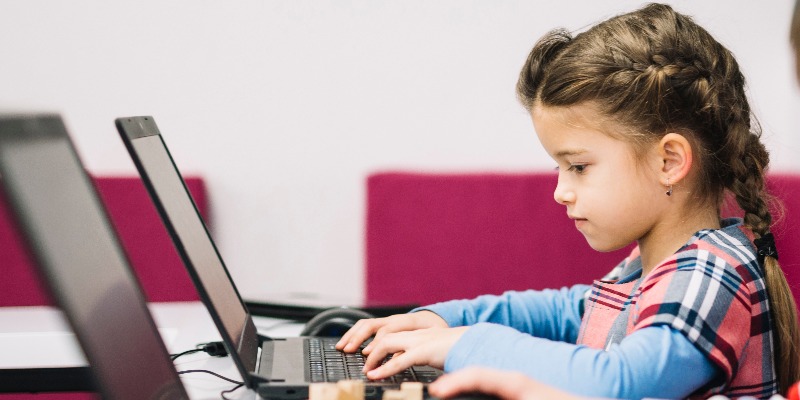
Different Types of Coding Courses for Kids Available Online
Here are some of the common types of coding courses for kids
Block-based beginner coding - ages ~ 5-8 years
In this type of coding course, kids are required to use drag-and-drop blocks, which helps them learn logic without worrying about syntax. For example, the platform CodeYoung offers block-based programming as the starting point.
Game/app creation & fun projects:
Many coding schools for kids emphasise making simple games or apps. This is an engaging way to connect learning with something children love.
For example, Tutree says their online coding classes for kids build project games and creativity.
Text-based coding - ages ~8-12+:
Once children are comfortable with logic, some online coding courses transition to real coding languages. This includes Python and JavaScript.
Live classes, self-paced, or hybrid:
There are some kids' coding course options available online that have a live instructor. This is really good for interaction. These courses are self-paced with flexible schedules.
Top 5 Online Coding Classes for Kids
Here are a few best online coding platforms you can look into as a parent for your child.
It is always advisable to check age-suitability, schedule, and trial options before opting for the best course for coding for your children.
- Tynker – Ages 5-18, block to text transition, gamified lessons.
- CodeYoung – Live online coding for kids (KG-12) with Scratch, Python, etc.
- Tutree – One-on-one online coding classes for kids aged 5-16, game‐creation focus.
- CodaKid – Self-paced online coding classes, including video courses and project-based learning, ~$29/month.
- Coding4Kid – Offers self-paced or one-on-one online coding classes for kids (7-14 yrs), including game-based learning.
Quick View at Kids Coding Schools
Disclaimer: This table is for informational purposes only. Prices, availability, and course offerings may change. Always verify with the provider before purchasing any course or subscription.
| Coding School |
Ages |
Pricing |
Key Features |
| 5–18 |
~$20–60/month |
Block-based, game creation, project-based learning |
|
| 5–16 |
~$14–24/month |
Live classes, Python, Scratch, Web development |
|
| 5–16 |
~$20–50/month |
Live 1-on-1 coding lessons, game-based projects |
|
| 8+ |
~$29–49/month |
Python, JavaScript, Minecraft modding, game creation |
|
| 8+ |
Free |
Free courses, JavaScript, HTML, animation |
|
| 7–14 |
~$20–40/month |
Game development, 1-on-1 lessons, Scratch, Python |
|
| 6–12 |
~$25/month |
Code apps with JavaScript, a monthly box of projects |
|
| 9+ |
~$9–25/month |
Text-based coding, Python, JavaScript |
|
| 5+ |
Free |
Block-based coding, creative game development |
|
| RoboGarden |
6–16 |
~$15–25/month |
Game development, coding in Python, HTML, JavaScript |
How to Choose a Good Coding Course for Your Child
When researching “online coding classes for kids” or “coding school for kids,” it will be helpful to evaluate using these tips as criteria:
Child age and skill-level match:
Make sure the course matches your child’s age, comfort with screens, and prior coding experience (if any).
Balance of fun and fundamentals:
Good courses keep the fun with games and projects, but also build coding fundamentals like logic, sequences, and problem-solving.
Project-based learning:
Kids retain more when they create something, like building a simple game or designing a mini app, rather than only watching lessons.
Live instructor vs self-paced:
If your child benefits from interaction and accountability, live classes may help. If the schedule is tight, self-paced may be better.
Trial classes and flexibility:
Good online coding course providers offer a free trial lesson. This allows you to assess how your child enjoys it. Most of these also have flexible scheduling.
Parental visibility and progress tracking:
Many online coding apps allow parents and guardians to see the child’s progress. They also help them feel confident that the child is engaged and not just logged on.
Cost and commitment:
You should always check for hidden fees. See what the required materials, software, and minimum commitments are. Try to keep the cost of online coding classes for kids in mind.
Safety and screen-time balance:
Since these are kids' coding classes online, ensure the platform is safe. It should have trusted teachers, required privacy, and good moderation. It should also be ensured that the screen time of the child is balanced with offline activities.
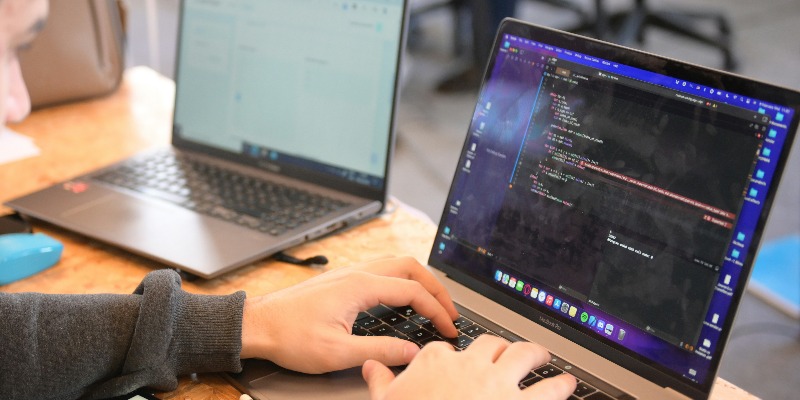
Pick the Suitable Online Coding Course For Your Child
Start by exploring the free trial options listed above. You can ask your child what kind of project they would like to build. Game, story, app, or maybe a robot! Sit with them for the first session if you can. Watch how they engage with the online coding app.
You can ask your child if they feel proud. Did they understand enough to keep going? Then choose a course that blends fun, challenge, and flexibility.
Choosing a good online coding class for kids or coding school for kids is about opening a door to lifelong learning, curiosity, and growth. If your child enjoys it, it might become one of their very best skills.
Baby
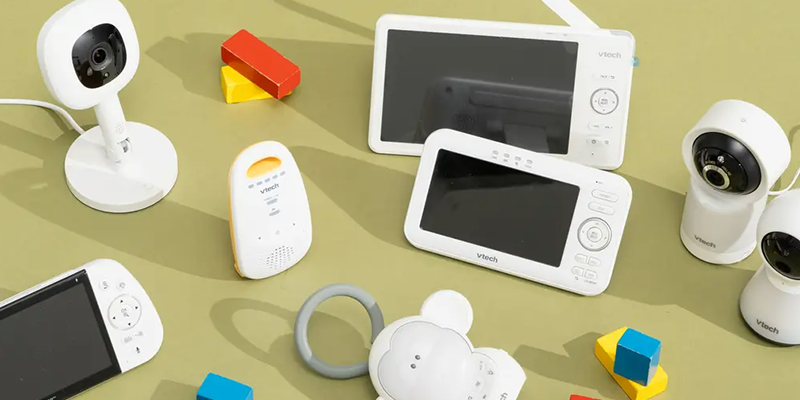
Baby Monitor With Pan Tilt Camera: Why You Need It And Top Models
March 16, 2026
Baby
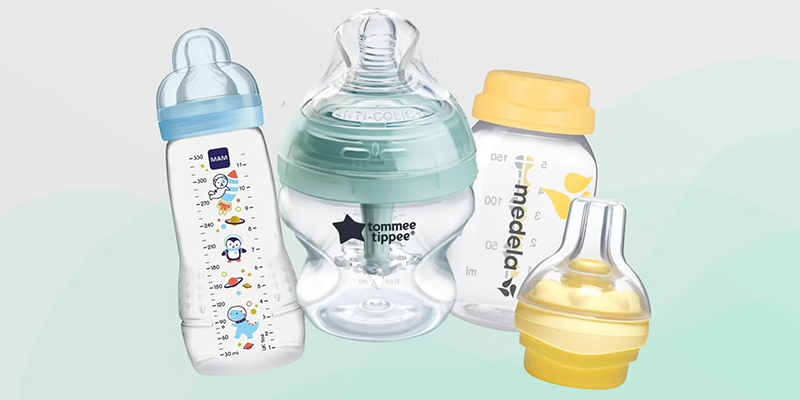
Best Baby Bottle for Colic: 5 Anti Colic Designs That Actually Work
March 13, 2026

Pregnancy
12 Proven Ways to Reduce Anxiety During Pregnancy
January 16, 2026

Pregnancy
Breastfeeding Basics: Essential Tips For First-Time Moms
September 29, 2025